
Independent cloud for teams of any size
Your cloud. Under your control.
An independent cloud environment for every team – from a small project group to a larger organisation. You decide where it runs, who has access and how your team works with it.
- 01Run it independently
On a PC, your own server, a virtual private server or with a provider you choose.
- 02Control access precisely
Set permissions for roles, groups, folders and individual people.
- 03Simple in everyday work
Sync files in the background and work with the programs your team already knows.
- No forced subscriptionNo permanent cost trap.
If you run the cloud yourself, you decide about storage and operation. Ongoing support or hosting is available only when you explicitly want it.
You decide where your files live.
Run your cloud where it works for you: on a PC, your own server, a virtual private server, or with a provider you choose. The server controller is included with the solution.
You decide
- Where the system runs
- How much storage you need
- Who manages it
- Who can access the files
No outside platform required
Your everyday file library does not have to depend on a third-party cloud account, changing subscription models or the rules of a large provider.
Everyone sees only what is meant for them.
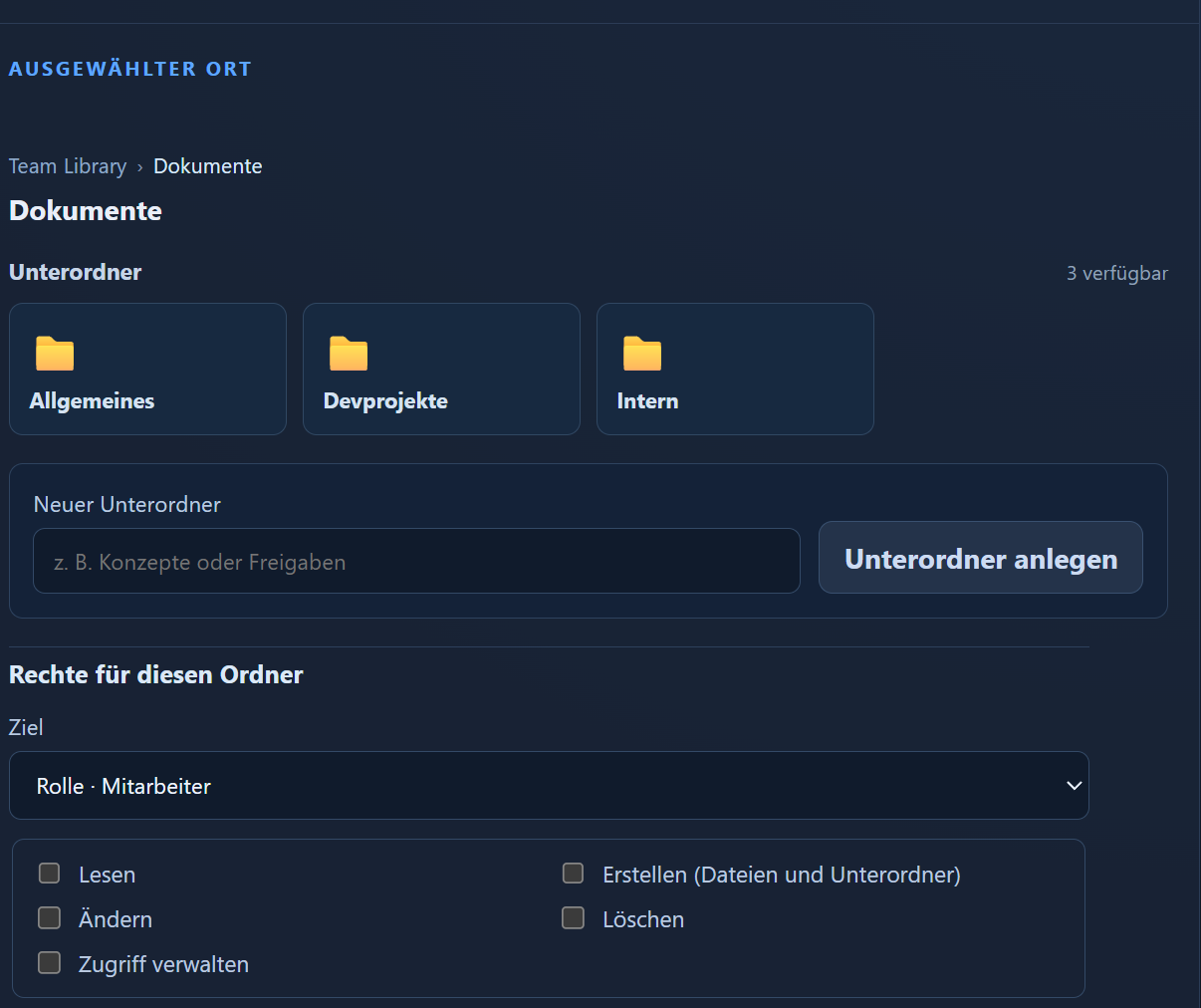
Create user accounts, roles and groups, then decide for every folder who can see or edit it. Where needed, you can set separate rules for individual people.
You can define
- Who can see a folder
- Who can add, edit or delete files
- Which areas a team shares
- Which areas stay personal
A practical example
A team member can see only five specific folders. Everything else stays invisible to them — on the server and in their managed work folder.
Work with the programs you already know.
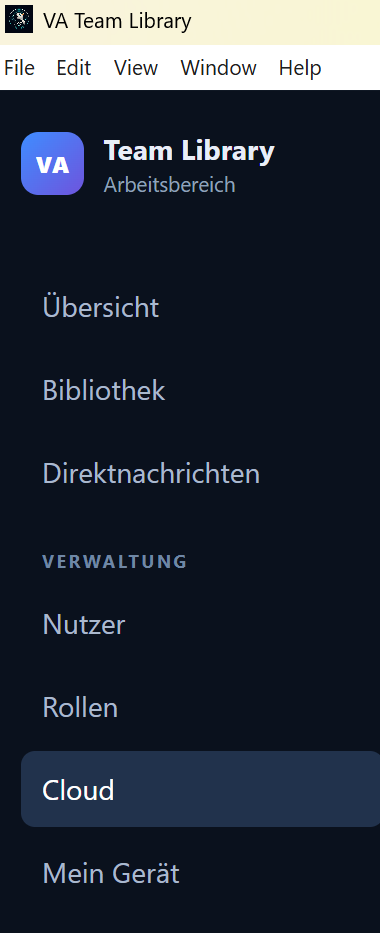
Released files sync in the background between the server and authorised devices. Your team opens and edits them with familiar programs in a local work folder.
In everyday work
- Automatic background sync
- Work with familiar programs
- Shared and personal work areas
- Direct messages inside the application
When something changes
When edits conflict, the local version remains as a conflict copy. If access is removed, the affected device processes the change and pending confirmations stay visible.
Setup, not a standard subscription
Built around your team.
The important question is not a generic storage package, but how you work: team size, folder structure, permissions and where the system should run. Once that is clear, we can plan the right setup and a transparent project price.
- No blanket permissions for every user
- No automatic ongoing contract
- Clear separation between setup, handover and any optional continuing work
Cloud inquiry
Would your own cloud suit your team?
Tell us roughly how many people work with files, which folders need to be shared and where the system could run. We will suggest a sensible next step.
Ask about your own cloud